
Free Roblox Pants Maker
RBXShirt’s Roblox pants maker lets you design jeans, joggers or shorts in your browser. Start from a ready-made style, change the colours, add patterns, text or stickers, and check both legs on a 3D avatar. Then download a 585 × 559 PNG that is ready to upload as Roblox pants.
Last updated
- Jeans, joggers and shorts
- Free, no sign-up
- 585 × 559 PNG
Add an image or text, then drag it on the garment. Drag anywhere else to turn the avatar.
How to use the Roblox pants maker
Four steps, and the style does most of the layout work for you.
 1
Start with your design
Start blank or import your existing pants PNG. Templates is an optional starting point if you want to build on jeans, cargos, shorts or another base.
- Colours2
Set the colours
Click a waist or leg region to zoom in. Paint or erase existing pixels, use Fill region for a new colour, or change the blank garment base colour.
- 3
Edit your images and text
Add your own image, editable text or shapes. Drag, resize and rotate directly on the canvas, crop an image, and use layers to control stacking and visibility.
rbxshirt-pants.png
585 × 559 · PNG Saved
4Preview and download
Turn the avatar to check both legs and the back, then press Export PNG for a 585 × 559 file.
Roblox pants template layout
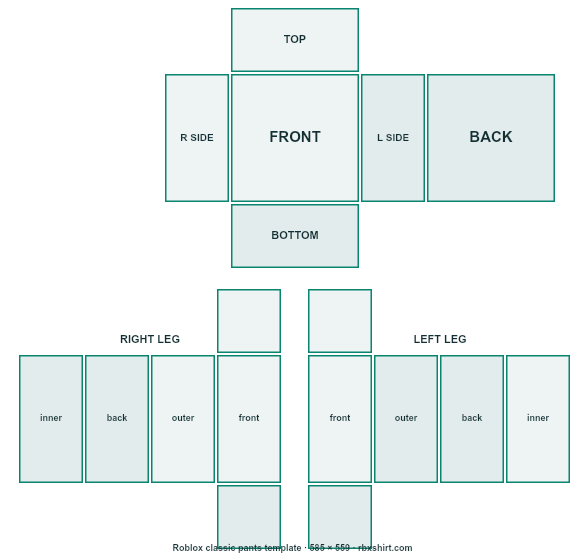
Pants share the shirt’s image size but fill different rectangles, so this is where each part goes.
- 1
Waist, front and back
The lower part of the two 128 × 128 torso squares. Waistbands, belt loops and back pockets go here.
- 2
Waist sides
The narrow 64 × 128 strips. Keep the waistband colour continuous with the front and back.
- 3
Right leg
Four 64 × 128 panels on the left of the lower half, plus a 64 × 64 cap at the top and bottom.
- 4
Left leg
The matching four panels on the right. Mirror details such as side stripes so both legs agree.
Roblox pants templates to start from
Eight finished designs, each with four colourways. Pick one, then change any part until it is yours.
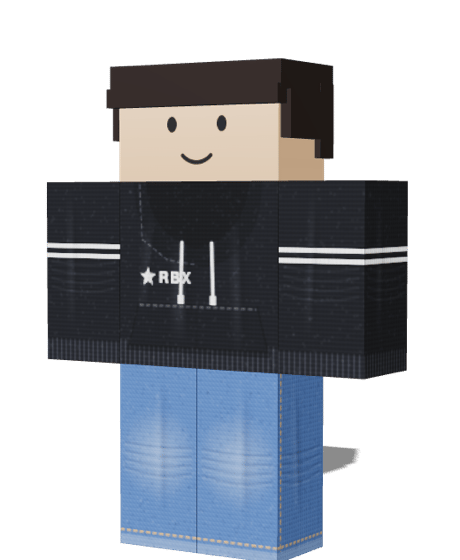
Baggy Jeans
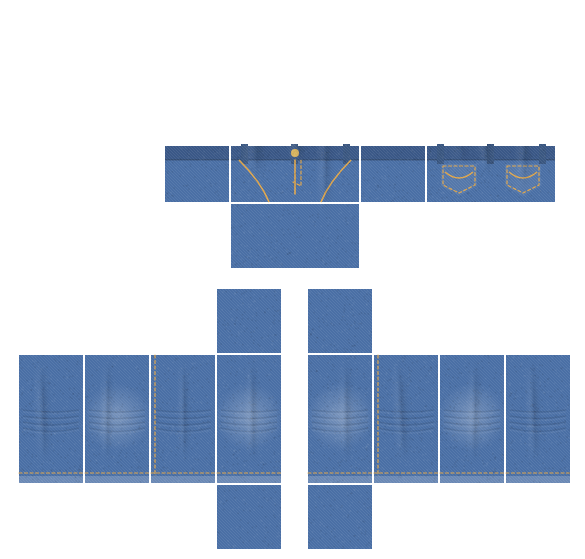
Wide-leg washed denim with stitched pockets and worn knees.
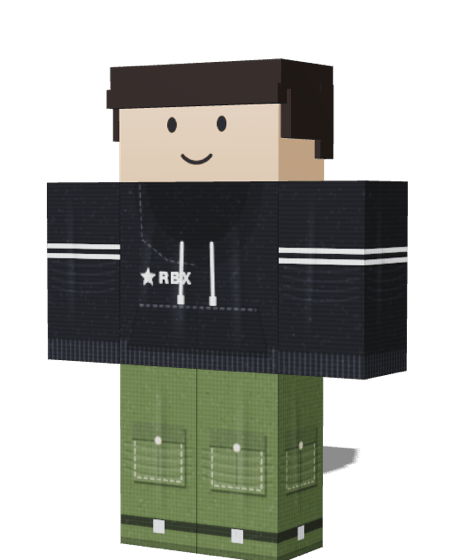
Cargo Pants
Big flap pockets, a belt and ankle straps.
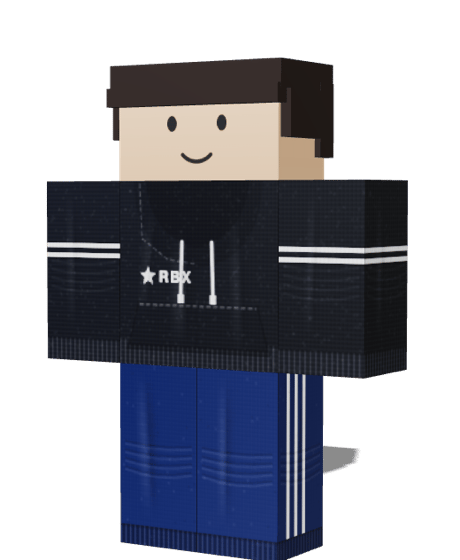
Track Pants
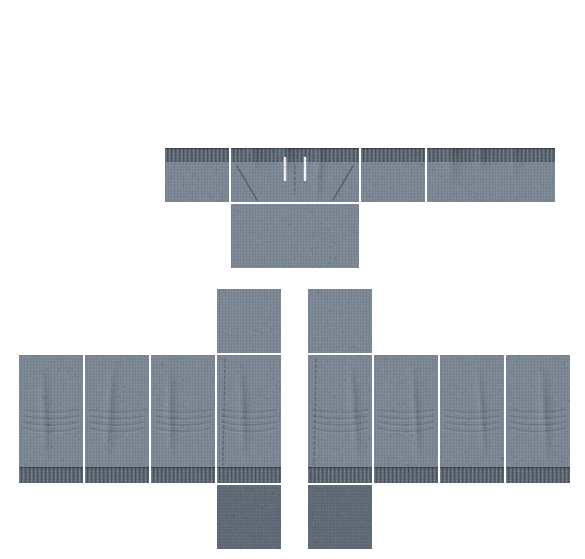
Retro three-stripe tracksuit bottoms with a drawcord.
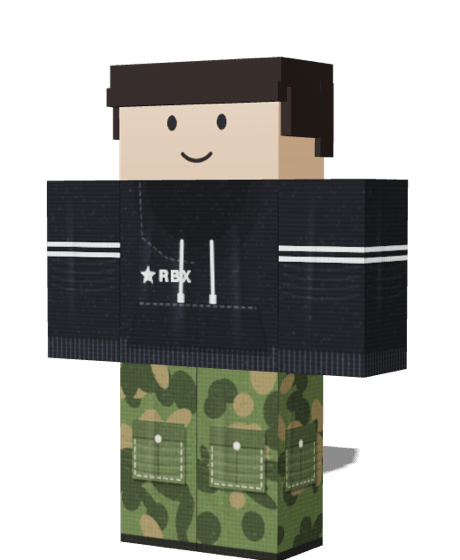
Camo Cargo
Camouflage cargo pants in four colourways.
Techwear Pants
Utility pants with thigh straps, buckles and zip pockets.
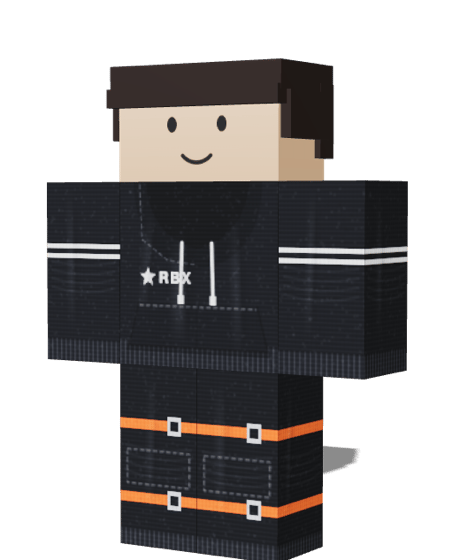
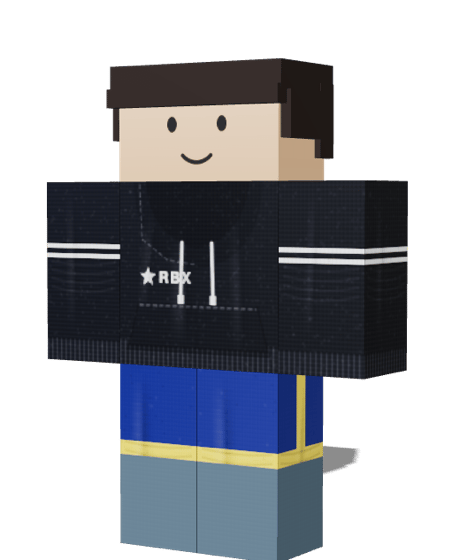
Sport Shorts
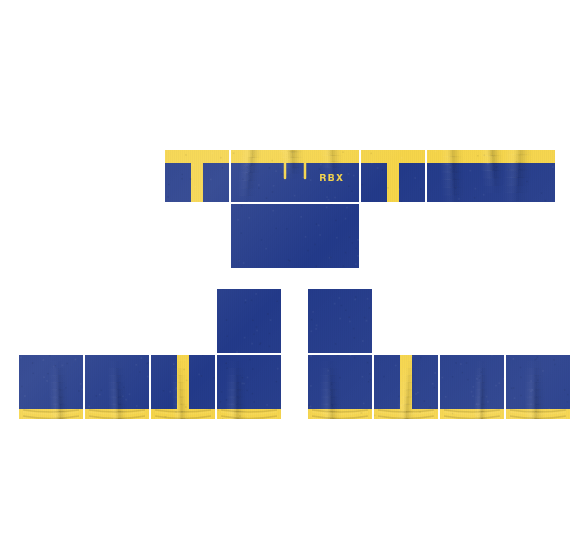
Athletic shorts with a contrast waistband and side stripe.
Tips for Roblox pants that look right
Pants are the part of an outfit people notice least until something goes wrong. These habits avoid the usual problems.
- Keep the waistband continuous
- The waist wraps around the front, both sides and the back. Use the same colour and height on all four faces so no gap shows under a short shirt.
- Match both legs
- The two legs are separate rectangles. Stripes, pockets and logos need to be placed on each one, so check the left and right in the 3D view.
- Carry patterns round the leg
- Each leg is four panels. A pattern that stops at a panel edge shows a line on the avatar, so stretch the layer across all four faces.
- Leave the top of the torso empty
- Pants only paint the lower edge of the torso. A shirt covers the rest, so artwork higher up is hidden and wasted.
- Test with a shirt
- Pants are always worn with something on top. Make a shirt in the Shirt Maker first and it will appear on the avatar next to your pants.
- Check the file before upload
- Drop the PNG into the Roblox shirt tester to confirm the size, the empty faces and the seams.