
Roblox Shirt Tester
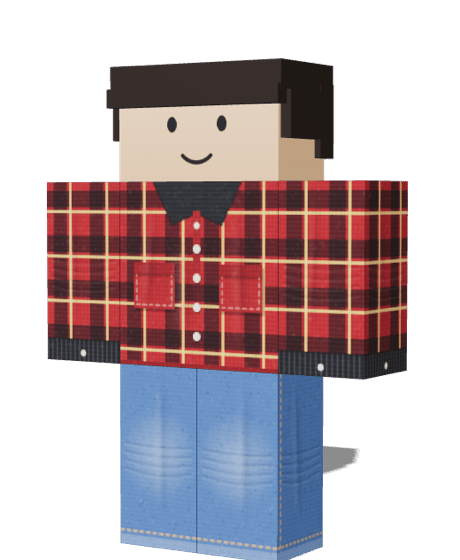
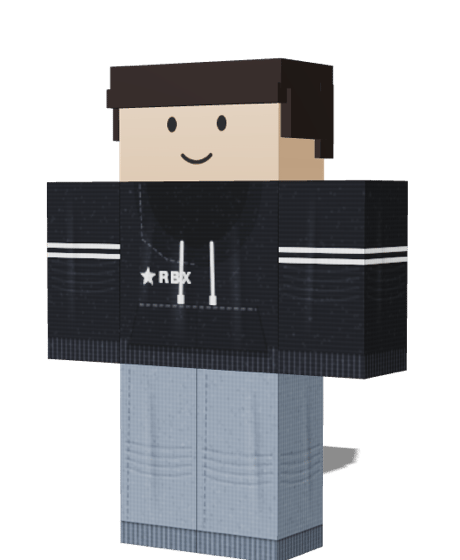
The Roblox shirt tester shows your shirt, pants or T-Shirt PNG on a 3D avatar before you upload it to Roblox. Drop a file in, turn the avatar to check the front, back and sleeves, and read a file check that flags wrong sizes, empty faces and seam problems. It is free and needs no account.
Last updated
- Shirt, pants and T-Shirt
- Full outfit preview
- Files stay on your device
How to use the Roblox shirt tester
Most mistakes are visible in under a minute, if you look at the right places.
my-shirt.png
585 × 559 · PNG Saved
1Upload your PNG
Drop a shirt, pants or T-Shirt file onto its slot, choose a file, or paste an image. The avatar updates the moment the file loads.
 2
Turn the avatar
Drag to rotate, scroll to zoom, or use Front, Back, Left and Right to look at each side, including the sleeves.
- File check
585 × 559 px
Standard size.
2 empty faces
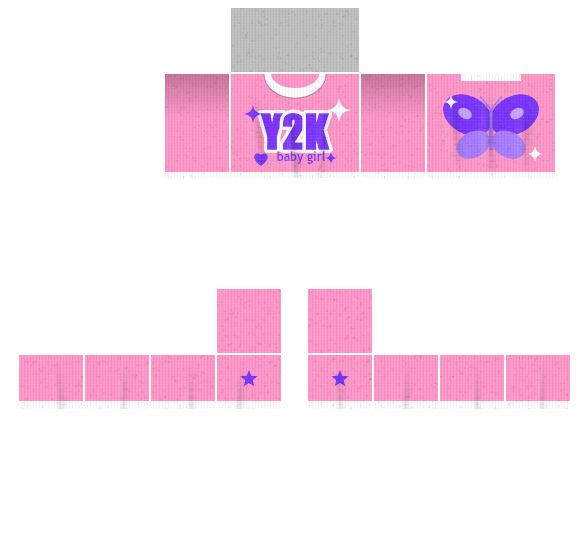
Short sleeves are fine.
3Read the file check
The panel lists size, format, empty faces, stray artwork and seam problems, each with a plain fix.
- Your outfitEdit in the Maker4
Fix it or save the preview
Press Edit to move the image into the Maker without uploading it again, or press Save preview to keep a picture of the result.
What the Roblox clothing file check looks at
Five checks run on your device the moment a file loads. Each result says what it found and what to change.
Size and format
A shirt or pants file should be 585 × 559 px and a T-Shirt a square. A JPG works but has no transparency, so the check warns you.
1024 × 1024 px
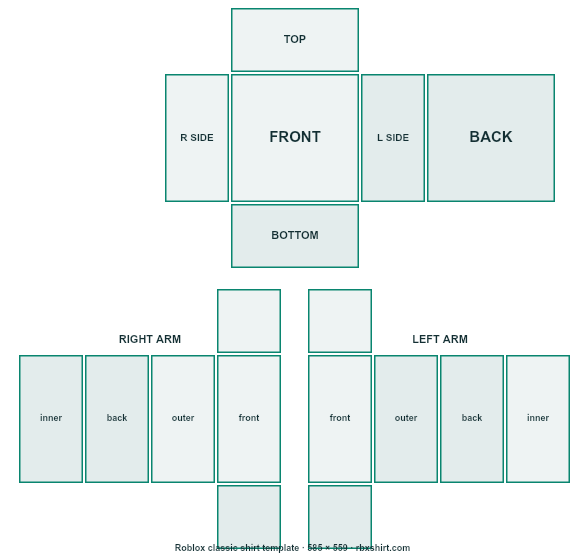
A shirt template is 585 × 559 px. Other sizes are stretched onto the avatar.
Empty faces
It looks at each torso and limb face and tells you which ones are blank or partly transparent, since Roblox shows the avatar’s skin or default colour there.
 Short sleeves
Artwork in the gaps
Roblox only reads the labelled rectangles. Anything drawn between them is ignored, so the check counts those stray pixels.
Seam breaks
It compares the pixels where faces meet around the body and flags a hard colour jump, which would show as a line on the avatar.
Outfit preview: shirt, pants and T-Shirt together
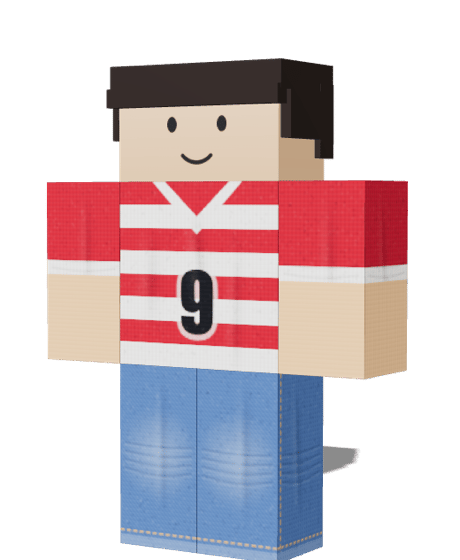
Add a second and third file to see how they layer, because items that look fine alone can clash in an outfit.
Roblox draws pants first, then the shirt, then a T-Shirt on the chest. The tester layers your files in the same order, so a T-Shirt logo lands on top of the shirt and the shirt hem covers the top of the pants.
Work you made in the Maker is already here when you arrive from it, and the Edit button sends any file back there without a second upload.
Open the Shirt Maker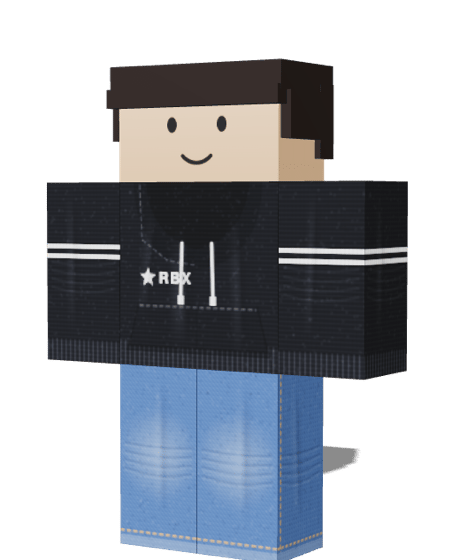
Browser preview or Roblox Studio?
Use both. They answer different questions.
| Question | This tester | Roblox Studio |
|---|---|---|
| Is my artwork on the right face? | Yes, instantly | Yes, after importing |
| Are there seam or size problems? | Flagged for you | You look for them |
| Exact Roblox lighting and body shapes? | No, R6 block avatar | Yes |
| Needs an account or install? | No | Yes |