
Free Roblox Shirt Maker
Upload an image, or describe an idea and let AI draw it. Then drag your artwork onto a 3D avatar and download a 585 × 559 PNG ready to upload as a classic Roblox shirt.
- Free to use
- No sign-up
- No watermark
- 585 × 559 PNG
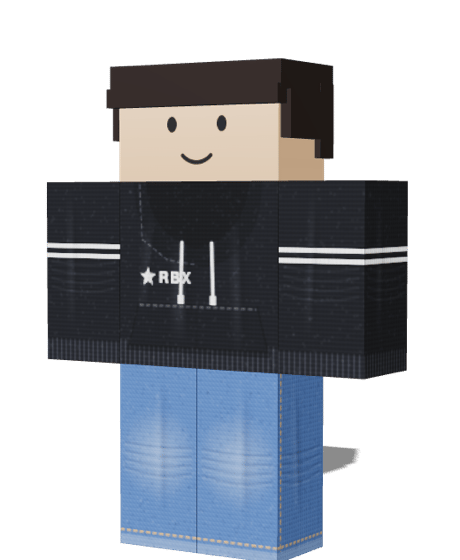
Street Hoodie
Made with RBXShirt · 585 × 559 PNG
Start from a template
Pick a style as your base, then make it yours. Can’t find your look? Describe it and let AI create it.
How to use the Roblox shirt maker
Four steps from your first idea to a PNG you can upload. Most shirts take a few minutes.
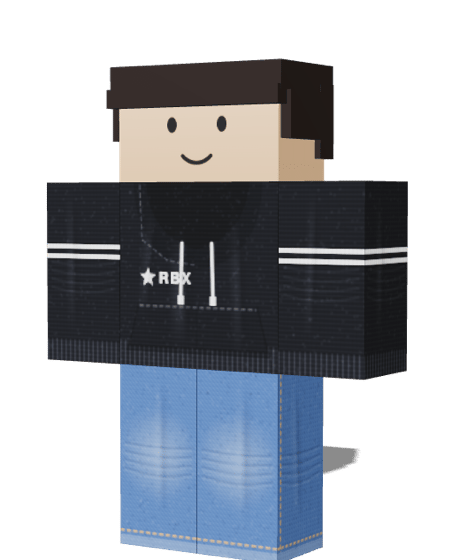
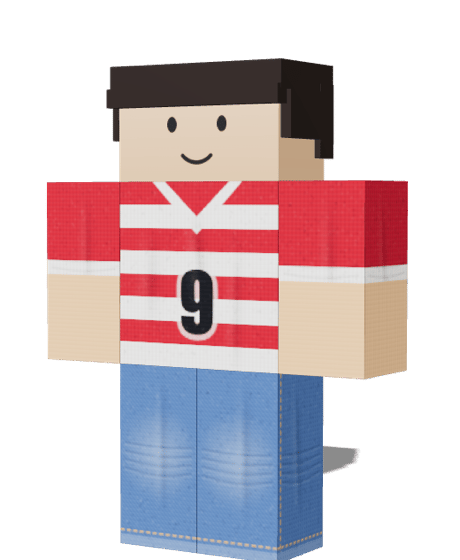
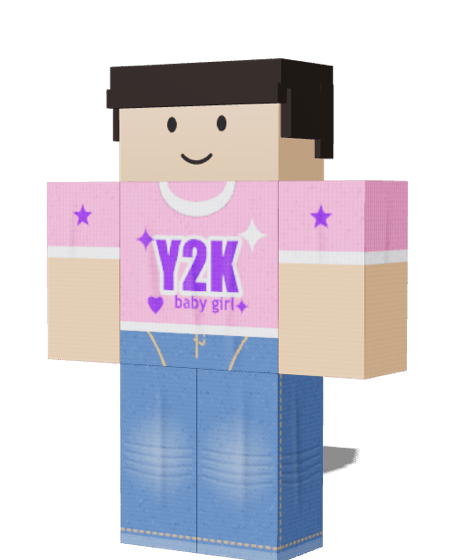 1
Choose your starting point
Start blank, import a complete Roblox clothing PNG, or add your own image. The canvas works without a preset. Templates are an optional base that you can replace later.
- LayersT TEAM 102
Change colours and add your details
Click a garment region to zoom in. Drop in your artwork, drag it into place, resize it with the corner handles, rotate it or crop it on the canvas. Add editable text and shapes, or use Brush, Eraser and Fill region to edit garment pixels.
- 3
Preview it in 3D
Turn the avatar to see the front, back and sleeves. If artwork crosses a seam or lands on the wrong face, fix it in the 2D editor and the avatar updates straight away.
rbxshirt-shirt.png
585 × 559 · PNG Saved
4Download the PNG
Press Export PNG to save a 585 × 559 file with a transparent background. Run it through the Tester if you like, then upload it as a Shirt in the Roblox Creator Dashboard.
How the Roblox shirt template maps onto your avatar
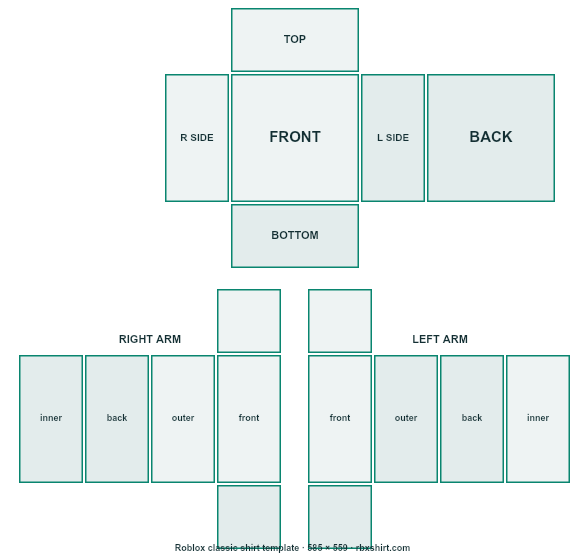
A classic shirt is one flat image. Roblox cuts it into rectangles and wraps each one around a part of the body, so where you draw decides where it appears.
- 1
Front
A 128 × 128 square in the middle of the torso row. It is what other players see when the avatar faces them.
- 2
Back
The matching 128 × 128 square at the right end of the torso row. Put a number, a logo or a hood here.
- 3
Sides
Two narrow 64 × 128 strips either side of the front. They wrap round the ribs, so keep colours continuous with the front and back.
- 4
Sleeves
Each arm is four 64 × 128 panels with a 64 × 64 cap at the top and bottom: the lower half of the template.
- 5
Collar and hem
The 128 × 64 pieces above and below the torso are the neck opening and the underside of the hem. Fill them with a plain colour to avoid gaps.
Shirt, T-Shirt or Pants: which one are you making?
Roblox classic clothing comes in three kinds. They use different image sizes, so pick the one that matches the job.
Shirt · 585 × 559 px
Wraps the torso and both arms. Use it for hoodies, jerseys, jackets and anything with sleeves.
Pants · 585 × 559 px
Same size, but it covers the lower torso and both legs. Use it for jeans, joggers and shorts.
T-Shirt · 512 × 512 px
One square picture shown on the chest. No template to learn, so it suits a logo or a graphic.
Check your Roblox shirt before you upload it
A shirt can look right in the editor and still go wrong on the avatar. The Tester opens any PNG, shows it on a 3D avatar and runs five checks on your device: file format, size, empty faces, artwork in the gaps between faces and colour jumps across seams.
It tells you what it found and how to fix it, and your file never leaves the browser. A clean result is not an approval, because Roblox decides what it accepts.
Open the Roblox shirt tester585 × 559 px
This is the standard shirt template size.
PNG file
Transparency is kept.
Colour jumps at 1 seam
Check: Torso, left side to back. A hard change there shows as a line on the avatar.
Nothing outside the faces
All artwork sits inside the areas that wrap onto the avatar.
- finished shirt templates
- 15
- optional pants templates
- 8
- pixels, the classic template size
- 585×559
- sign-ups, watermarks or fees
- 0
Roblox shirt maker questions
Short answers to what people ask before they make their first shirt.
More free Roblox clothing tools
The tools share your work, so a design you make in one is waiting in the next.
Shirt Template
Download blank and labelled 585 × 559 templates, or open one in the editor.
Open
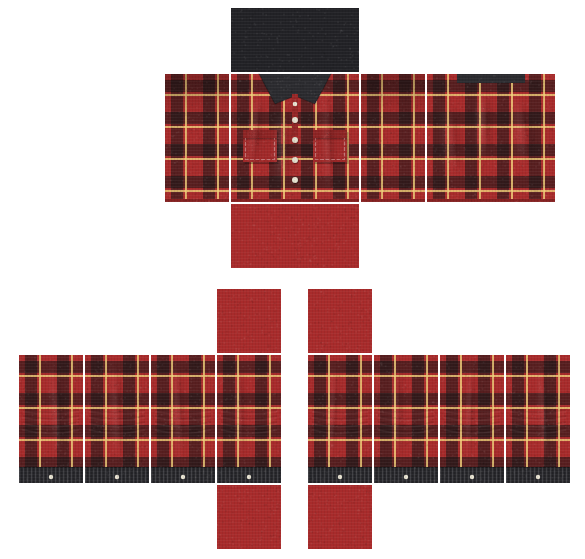
Shirt Tester
Upload a PNG, turn it on a 3D avatar and run the file check.
Open
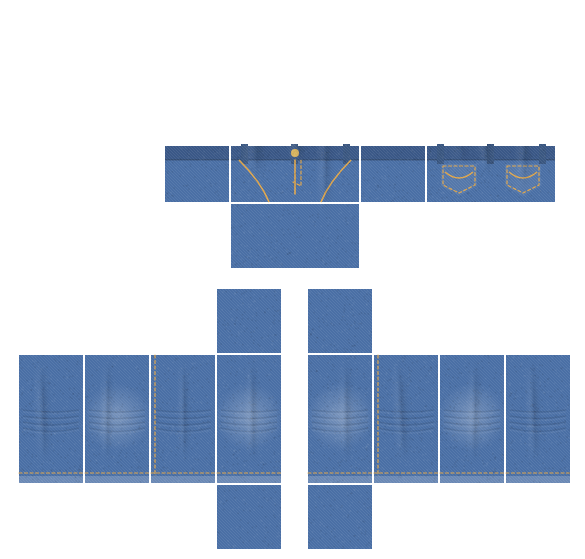
Pants Maker
Make jeans, joggers or shorts and see them on the avatar.
Open
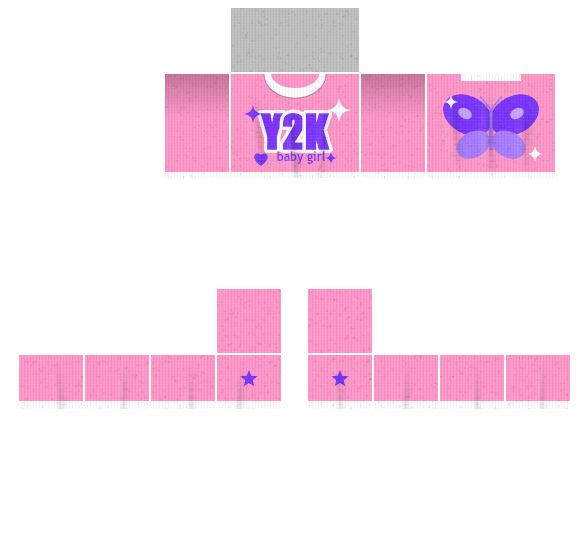
T-Shirt Maker
Put a picture or logo on the chest and export a 512 × 512 PNG.
Open
Want to know who builds RBXShirt and why? Read the about page.